Reminders that reach the kitchen
Every team is reminded on their own phone, twice a day, at the times you set. Compliance stops depending on somebody remembering.
Lemon Multisite
A simple app your teams will actually use.
Every check flowing back to one dashboard.
Group overview
Last record 11:42
Last record 11:36
Last record 11:28
Last record 11:19
Follow-up to review
“Door seal checked. Temperature recheck recorded at 4°C.”
Alex · 10:54 · Sample noteLatest record
Chilled delivery recorded by Sam at 11:42.
Goods-in record · Sample entryThe group view
Temperature checks, checklists, training records and deliveries from every kitchen, in one place. You see what has been recorded, what has not, and where a kitchen needs you.
Every team is reminded on their own phone, twice a day, at the times you set. Compliance stops depending on somebody remembering.
A reading out of range or a check nobody has made surfaces with the kitchen and the record behind it, so you can pick up the phone the same morning.
Every record carries the time it was made and the name of the person who made it, and cannot be edited afterwards. Export any month as a PDF for your EHO.
In your kitchens
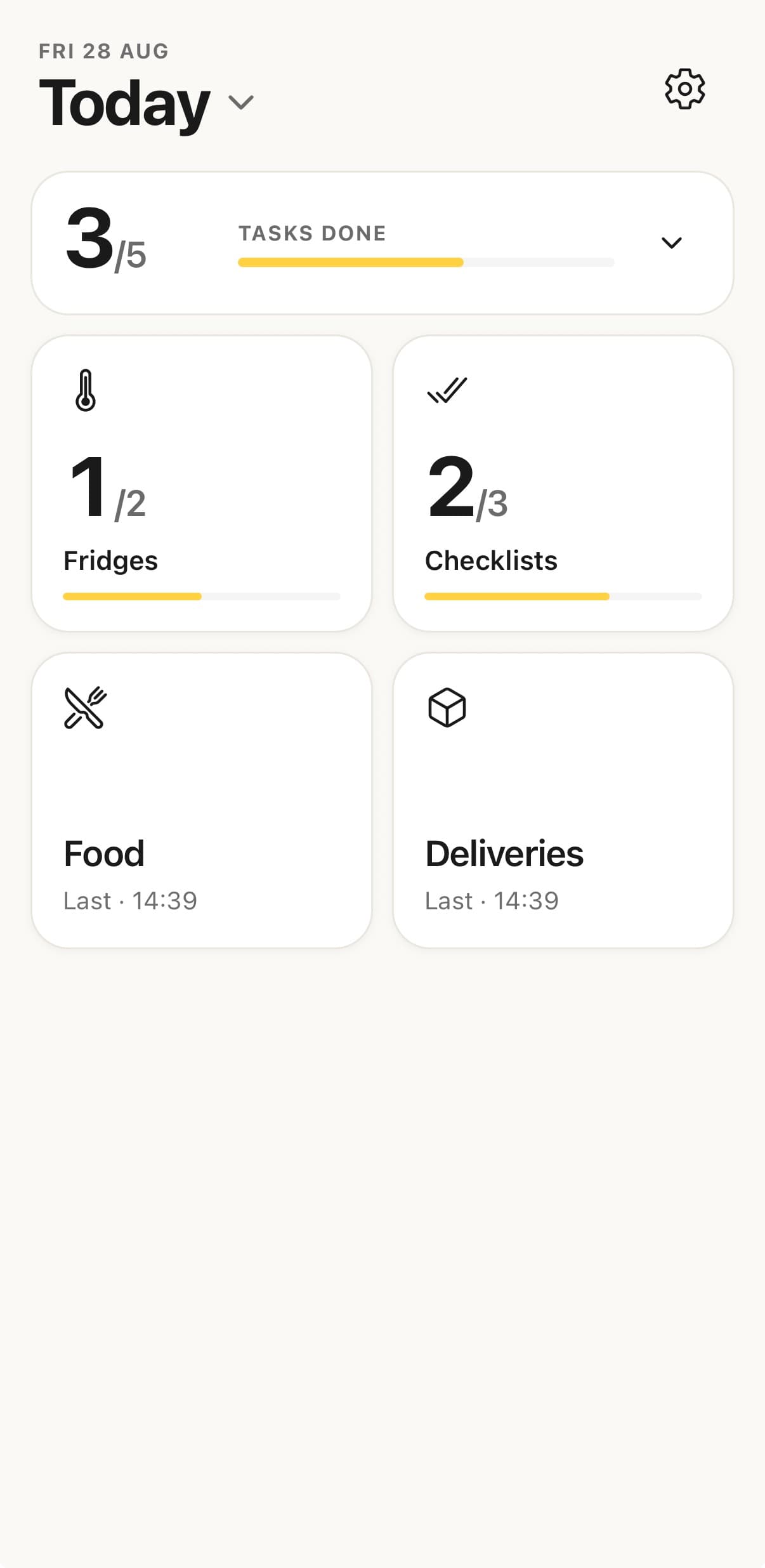
Give every member of the team the Lemon app. They record the checks that make up their day in a few taps, on the phone already in their pocket, and it all reports back to you.
A practical place to start
How many sites you run, how the day works today and what you need to see across the group. Ask for a quote and we will come back to you within the hour.
Or email the Lemon team at hi@getlemon.appYour name, your email and the number of kitchens you would add.
Pricing for your group and a walkthrough of the app and the dashboard.
Invite the kitchens, set the reminders, and the records start arriving.
A few useful details
No. Every kitchen in the group uses the same Lemon app on their own phones. Each location keeps its own records under its own name, and all of it reports back to one dashboard for the group.
That is what they are built for. Every record is stamped with the time it was made and the name of the person who made it, and none of them can be edited or deleted afterwards. A manager can void a record with a reason, which stays on the trail. Any month exports as a PDF you can hand to an inspector.
The Lemon app is £19 per location per month. For a group we quote for the whole estate, based on how many kitchens you run. Ask for a quote and we will come back to you within the hour.
Yes, and it is often the easiest way to begin. Start with a couple of kitchens, see how the teams take to it, then add the rest of the group when you are ready.
Minutes per kitchen. You invite the team by email, they sign in on their own phones, and they can record their first checks the same day. There is no hardware to install and nothing to configure beyond your fridges and checklists.